How to Optimize Your Home Internet Speed for Buffer-Free 4K IPTV Streaming
Stable 4K streaming demands more than raw Mbps. Learn how to tune your router, prioritize CR7 Player traffic with QoS, and eliminate Wi-Fi interference for flawless playback during peak hours and major live events.
Streaming live sports and movies in true 4K UHD demands a stable connection of at least 25 Mbps per active device. But raw download speed is only half the equation — latency, jitter, packet loss, and Wi-Fi interference often cause more buffering than a slow plan ever will.
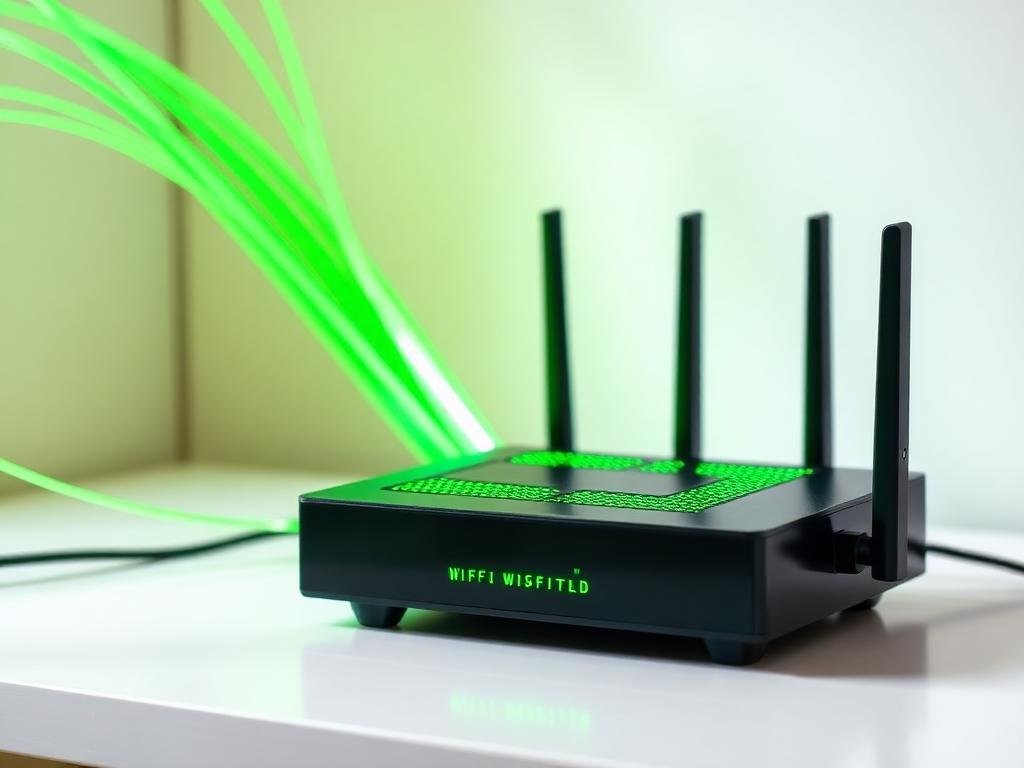
Start by connecting your Smart TV, Firestick, or Android box directly via Ethernet whenever possible. A wired link eliminates 90% of the issues users blame on their IPTV provider. If wiring isn't an option, upgrade to a dual-band Wi-Fi 6 router and place it within line-of-sight of your streaming device, ideally on the same floor.
Next, enable Quality of Service (QoS) in your router's admin panel and prioritize the IP or MAC address of your streaming device. This tells your router to send CR7 Player packets first whenever other devices on the network try to hog bandwidth — like cloud backups, console updates, or someone in the next room downloading a game.
Disable background downloads during live events, switch your router's 5 GHz channel to a less congested frequency (channels 36, 40, 44, or 48 work well in most regions), and reboot your modem at least once a week. Combined with CR7 Player's adaptive streaming servers, these tweaks deliver crystal-clear 4K playback with zero stutter, even during peak hours and major fixtures.